
A plan that stays connected
Keep reservation details close to your itinerary. Linked booking costs flow into your budget, so you can see where the money goes.
Travel Planner / By Zano Data Studio
From your first booking to your last packed bag. Bring the details together in an interactive HTML file that feels like your trip.
A closer look
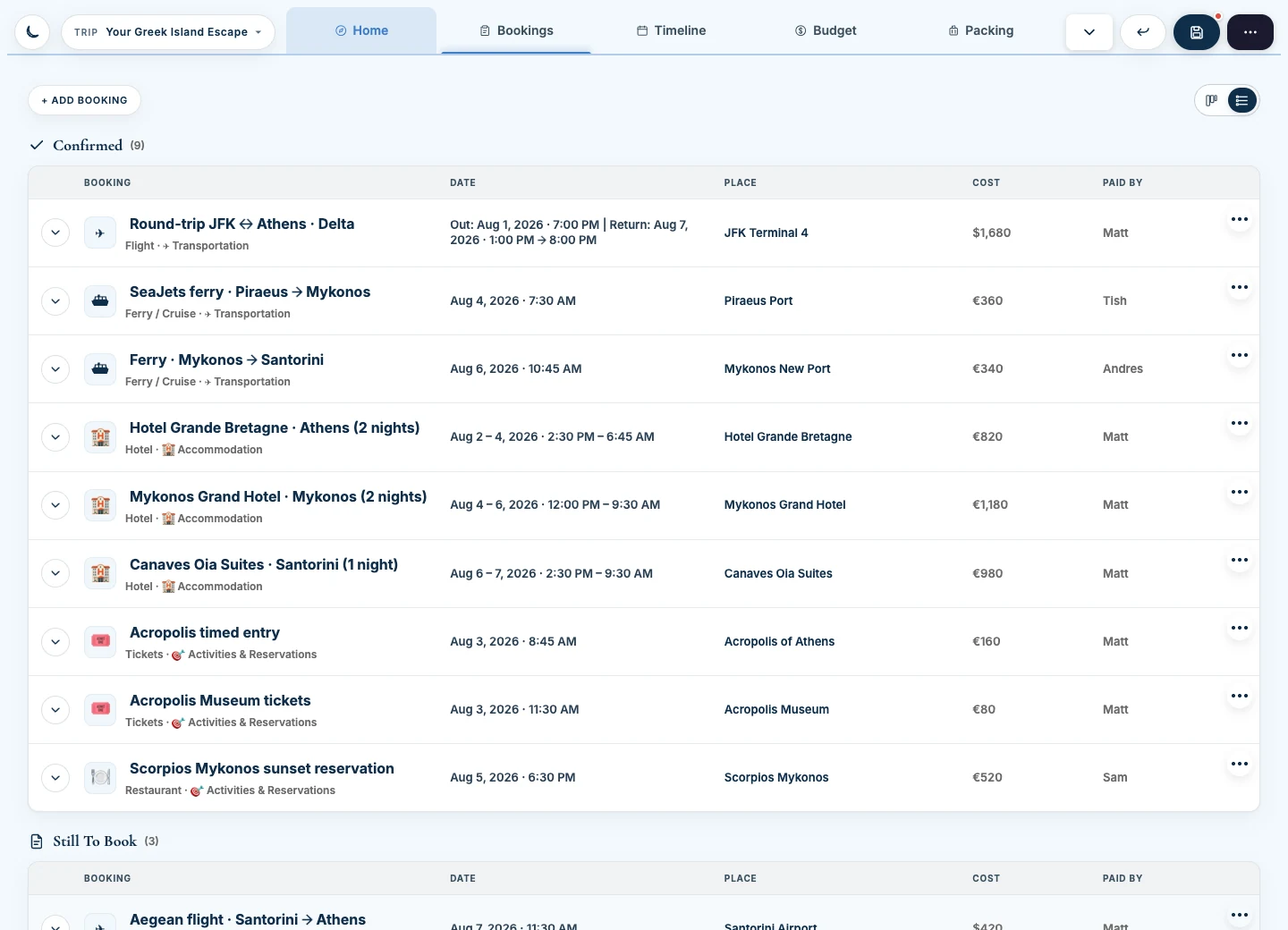
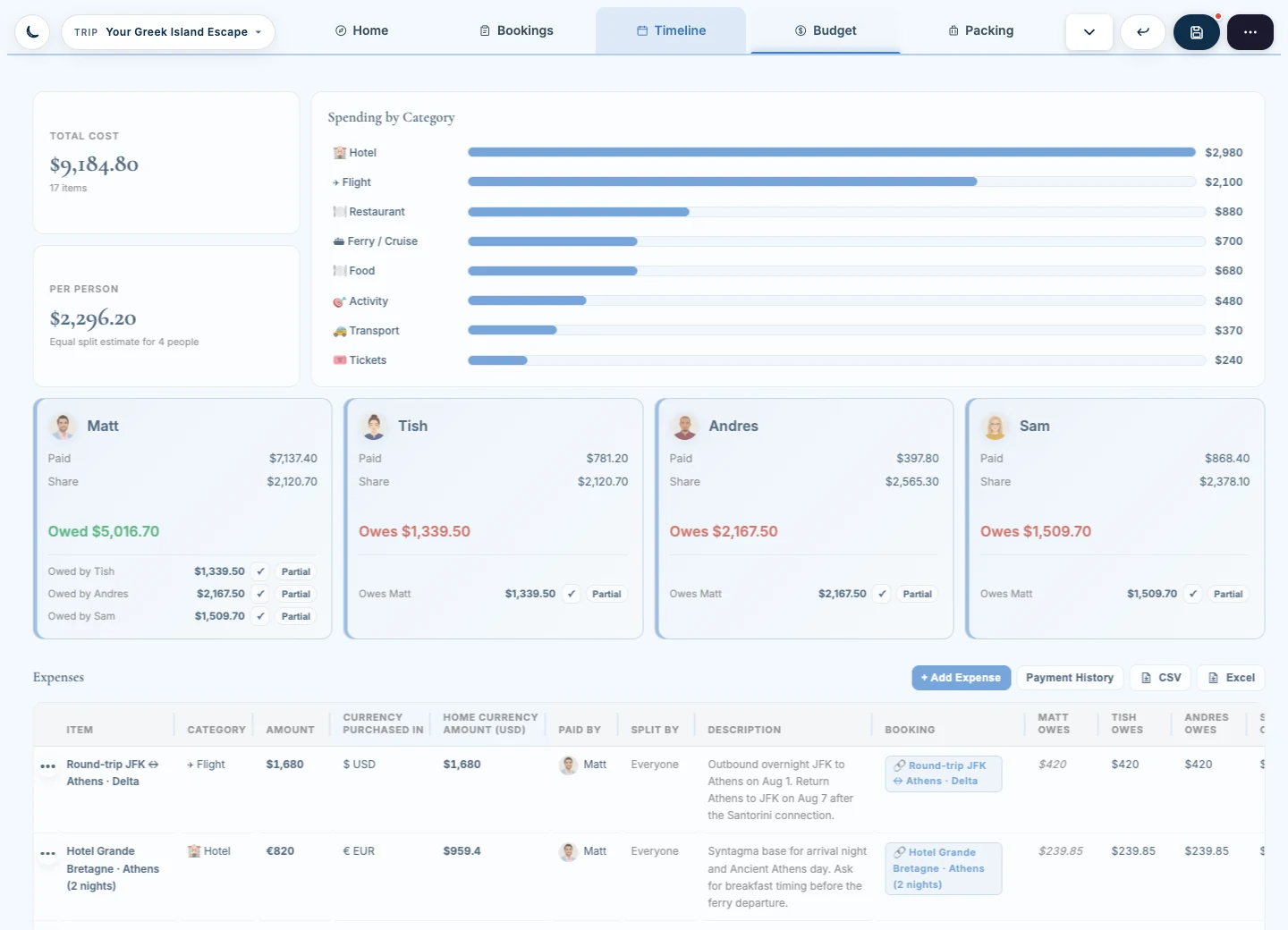
Actual product screenshots with sample trip data. Explore the spaces that keep your plans connected.
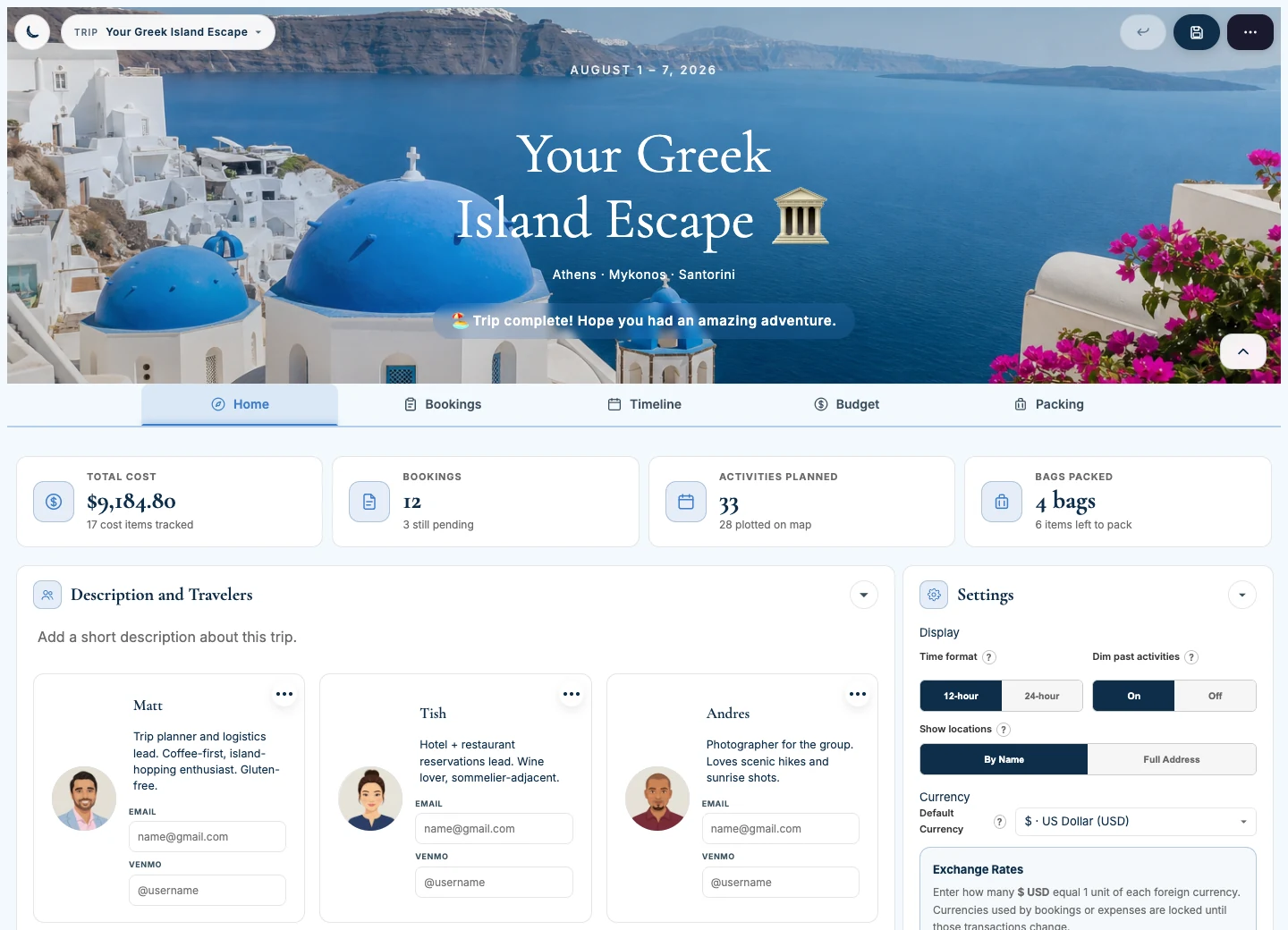
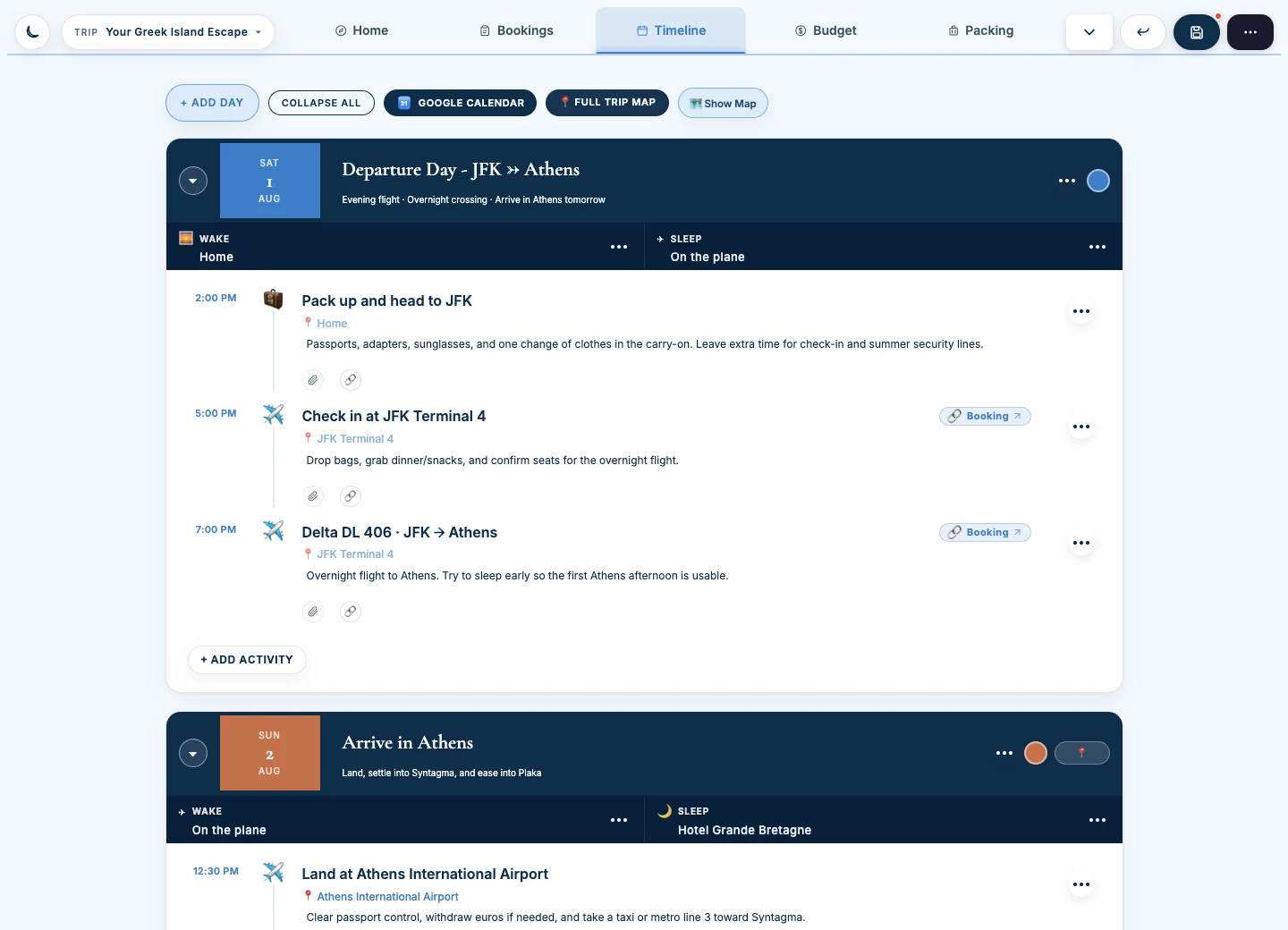
The details make the difference
Keep reservation details close to your itinerary. Linked booking costs flow into your budget, so you can see where the money goes.
Record who paid, choose who shares each expense, and log repayments. The planner tracks balances; it doesn’t send money. Currency conversions use rates you configure.
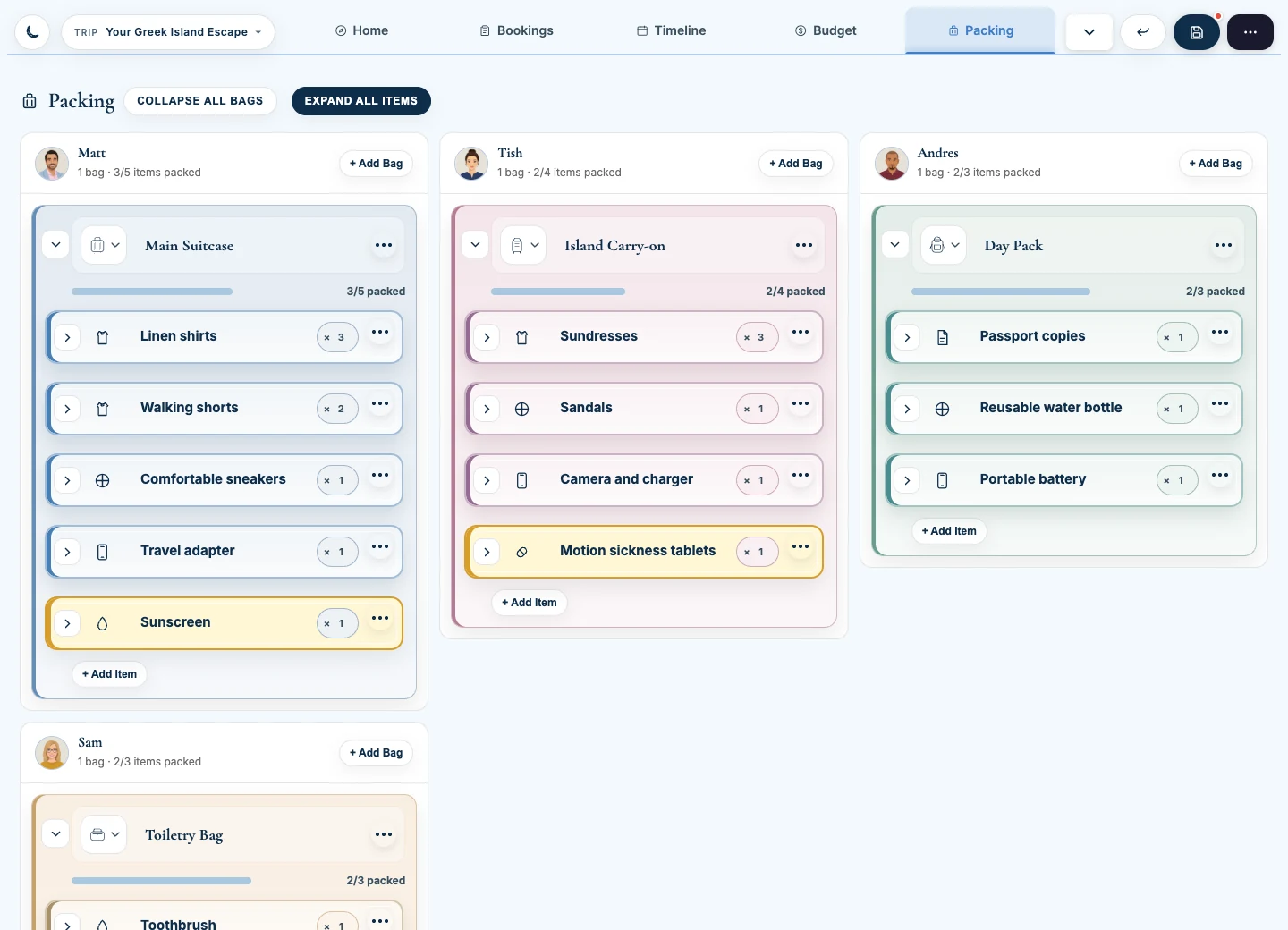
Organize bags and checklists by traveler. Keep things still to buy in a shopping list alongside your packing.
Choose a travel theme, adjust colors and typography, and switch between light and dark modes.
Download the planner’s format instructions, use them with an external AI assistant, then import supported itinerary JSON. Review the result before you travel. AI generation happens in your chosen service.
Save your edited HTML, keep backups, and reuse it for another trip. Core planning works offline. Maps, online services, and some external resources need internet.
Learn your planner
Follow the complete series or jump to the part you need. Twelve short walkthroughs cover everything from your first trip to packing, shared costs, and AI itinerary imports.
Watch full playlistExpand any tutorial to watch it here. Opening another closes the previous video. You can also watch the full series on YouTube.
Before you get started
This is an interactive HTML download. A desktop or laptop gives you the most straightforward editing and saving experience.
Ask a compatibility questionOpen the downloaded HTML in a modern browser. Edit your trip, use the planner’s save controls, and reopen your saved copy to check your changes. Keep backups of important plans.
Native Files access is view-only. Editing requires a compatible third-party HTML viewer that supports interactive HTML and saving. Viewer capabilities vary; check your app before relying on it.
Open the file in a browser or HTML viewer that supports interactive HTML. Saving behavior varies by app. Test saving and reopening an edited copy on your device.
Good to know
It’s an interactive HTML file with its own interface. Open it in a compatible browser or viewer, edit your plans, and save an updated copy.
There’s no shared real-time editing. Share saved copies with your group and agree on who maintains the current version.
Core trip planning works offline. Maps, online links, AI services, and some external fonts and imagery require internet. Keep essential addresses and confirmations available separately for travel.
Use an external assistant of your choice with the downloadable format instructions. The planner imports a supported JSON itinerary; it doesn’t include a live AI generator. Your chosen service’s terms and availability apply.
Find the Travel Planner on Etsy (opens in a new tab). The listing has the current price and download details.
Ready for your next adventure?
Find the current price and purchase the HTML download on Etsy.